# WireGuard GUI
A desktop application for generating WireGuard server and client configuration files through a graphical interface, built with [Electron](https://www.electronjs.org/).
Instead of hand-editing `.conf` files, you fill in a form and get ready-to-use WireGuard configs, including all the `iptables` rules, instantly.
## Getting Started
### Prerequisites
- [Node.js](https://nodejs.org/) v18 or later
- npm
### Install and run
```bash
npm install
npm start
```
## Usage
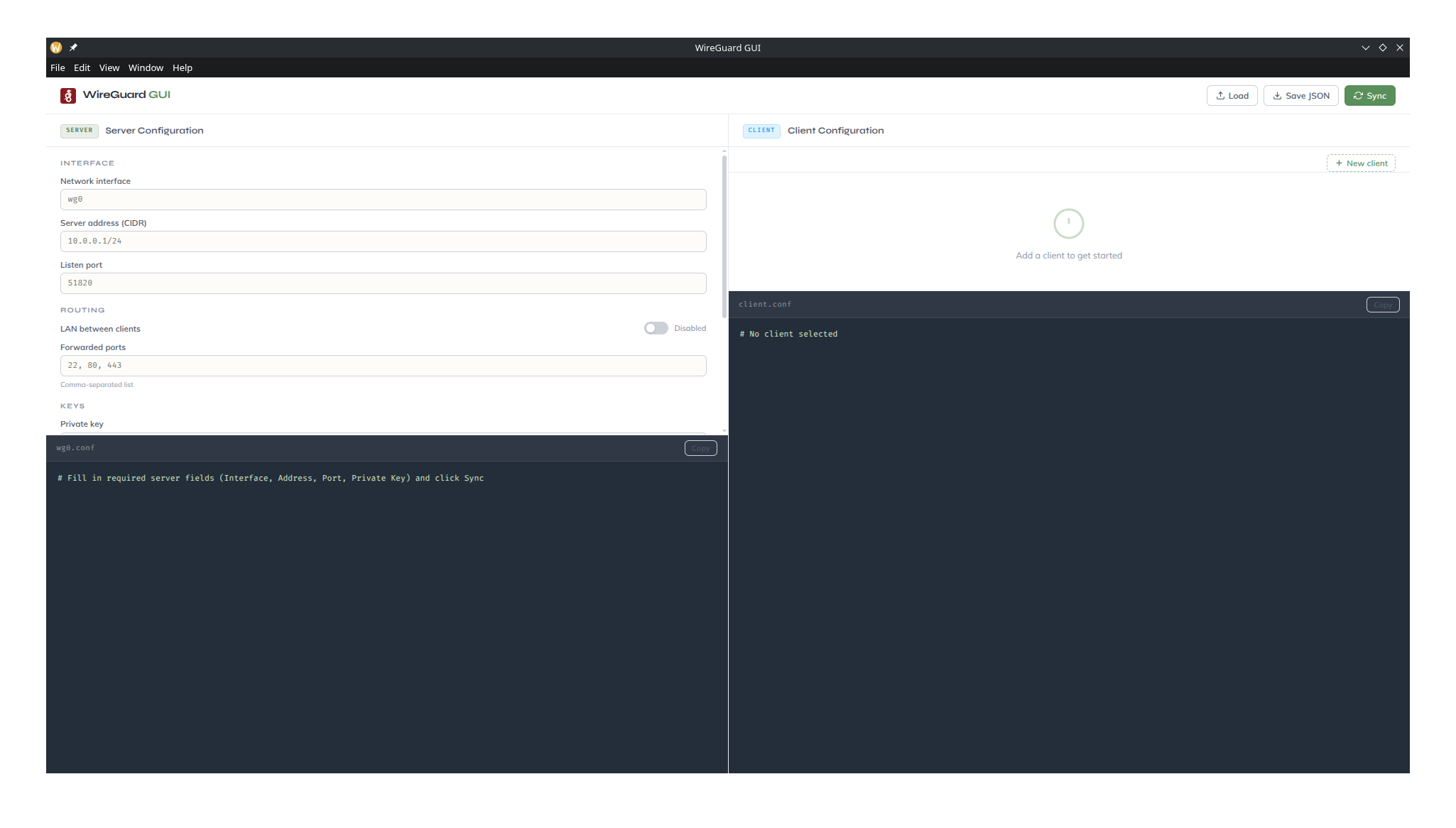
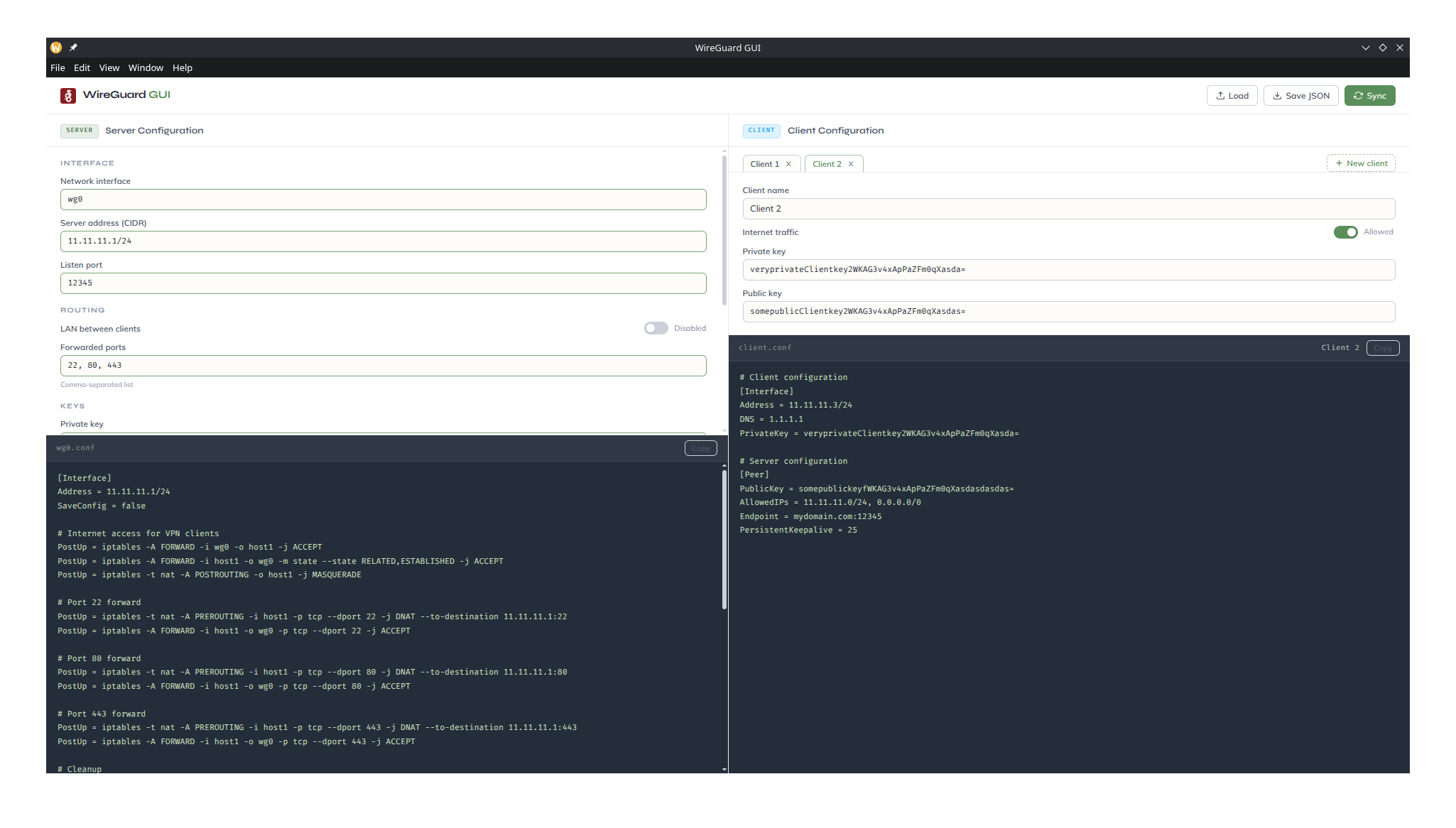
1. Fill in the **Server** panel on the left -> interface, address, port, keys, and any optional settings
2. Add one or more clients with the **New client** button on the right
3. Fill in each client's keys and toggle internet access as needed
4. Click **Sync** -> both config previews update immediately
5. Use the **Copy** button on either panel to copy the config text to your clipboard
6. Use **Save JSON** in the header to persist the full setup, and **Load** to restore it later
### Field reference
**Server**
| Field | Description |
| --------------------- | ------------------------------------------------------ |
| Network interface | WireGuard interface name, e.g. `wg0` |
| Server address | Internal VPN address in CIDR, e.g. `10.0.0.1/24` |
| Listen port | UDP port WireGuard listens on, e.g. `51820` |
| LAN between clients | Allows peers to reach each other directly |
| Forwarded ports | Comma-separated list of ports to DNAT into the VPN |
| Private / Public key | WireGuard base64 key pair for the server |
| Public address | Hostname or IP clients use to reach the server |
| Running in Docker | Uses the Docker host interface in iptables rules |
| Docker host interface | The physical interface on the Docker host, e.g. `eth0` |
**Client** (per peer)
| Field | Description |
| -------------------- | --------------------------------------------------------- |
| Client name | Label used in tabs and config comments |
| Internet traffic | When on, routes all traffic through the VPN (`0.0.0.0/0`) |
| Private / Public key | WireGuard base64 key pair for this client |
### Key generation
WireGuard keys can be generated on the server with:
```bash
wg genkey | tee privatekey | wg pubkey > publickey
```
---
## Screenshots